
Dario Dumlijan
Full-Stack Engineer
<Skills/>
4yElixir
4yRuby on Rails
5yRuby
5yNextJS
4yAstro
2yReact
6yReactNative
6yTypeScript
6yJavaScript
12yNode.js
6yPython
6yHTML
12yCSS
12ySASS
10yTailwind CSS
4yExpress
4yPostgreSQL
5yRedis
5yGraphQL
5yREST API
5yWebSockets
5ygit
5yDocker
4yKubernetes
4yGitHub Actions
5yAWS
4yWebpack
6yVite
2yJest
5yPostman
5yjQuery
12yFigma
4yAdobe XD
7yAdobe Photoshop
12yAdobe Illustrator
12yAdobe AfterEffects
8yAdobe Premiere
8yDaVinci Resolve
4yLogic Pro
7y
<Project/>
Go home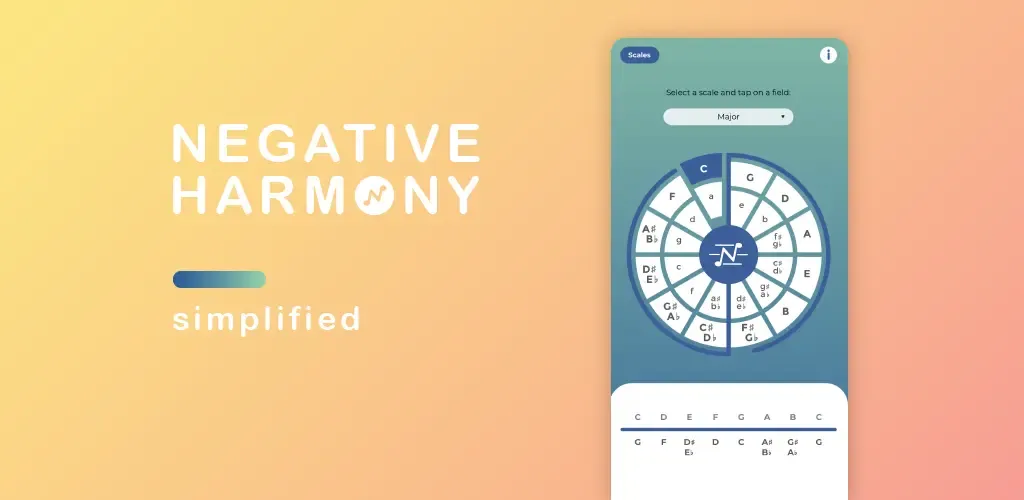
Negative Harmony - Simplified
Find scales, modes & chords
Developed using React Native
Checkout the code at git/negative_harmony
You can download “Negative Harmony” on:
 |
 |
 |
Negative Harmony is an app made to make the musical theory of negative harmony easier to understand and visualise.
Easy to use, user-friendly interface:
- Selection of all western scales and modes
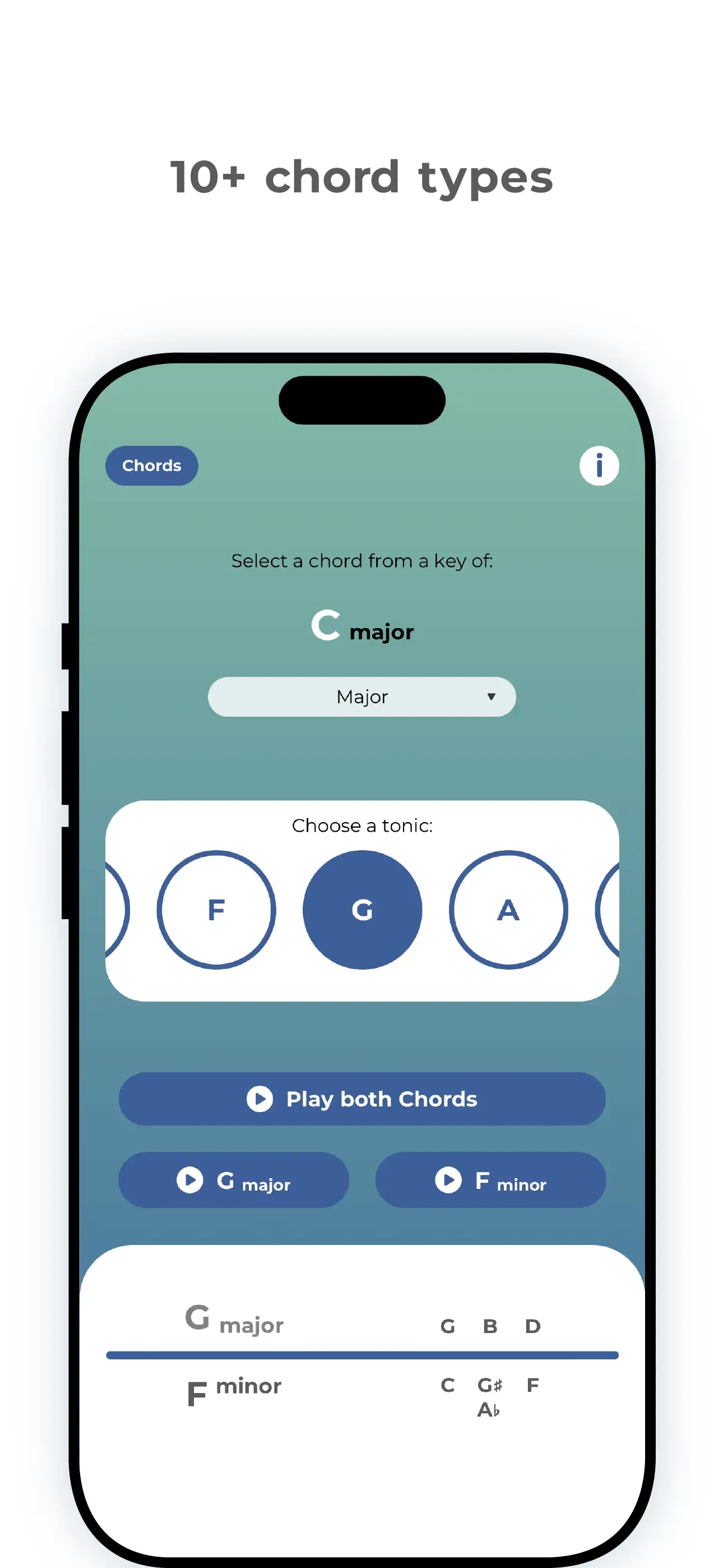
- Over 10 different chord types
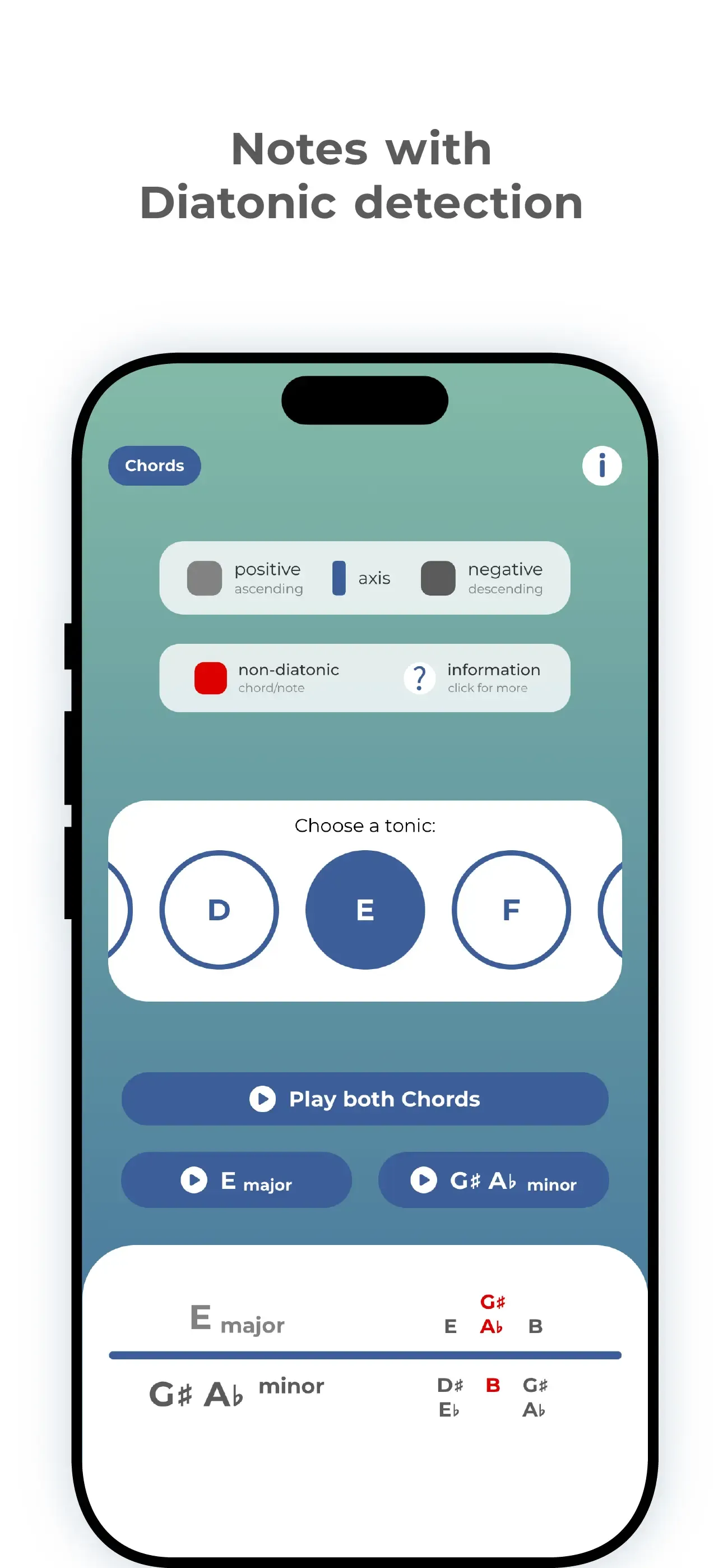
- Diatonic note detection / Indicator for notes & chords outside of the scale
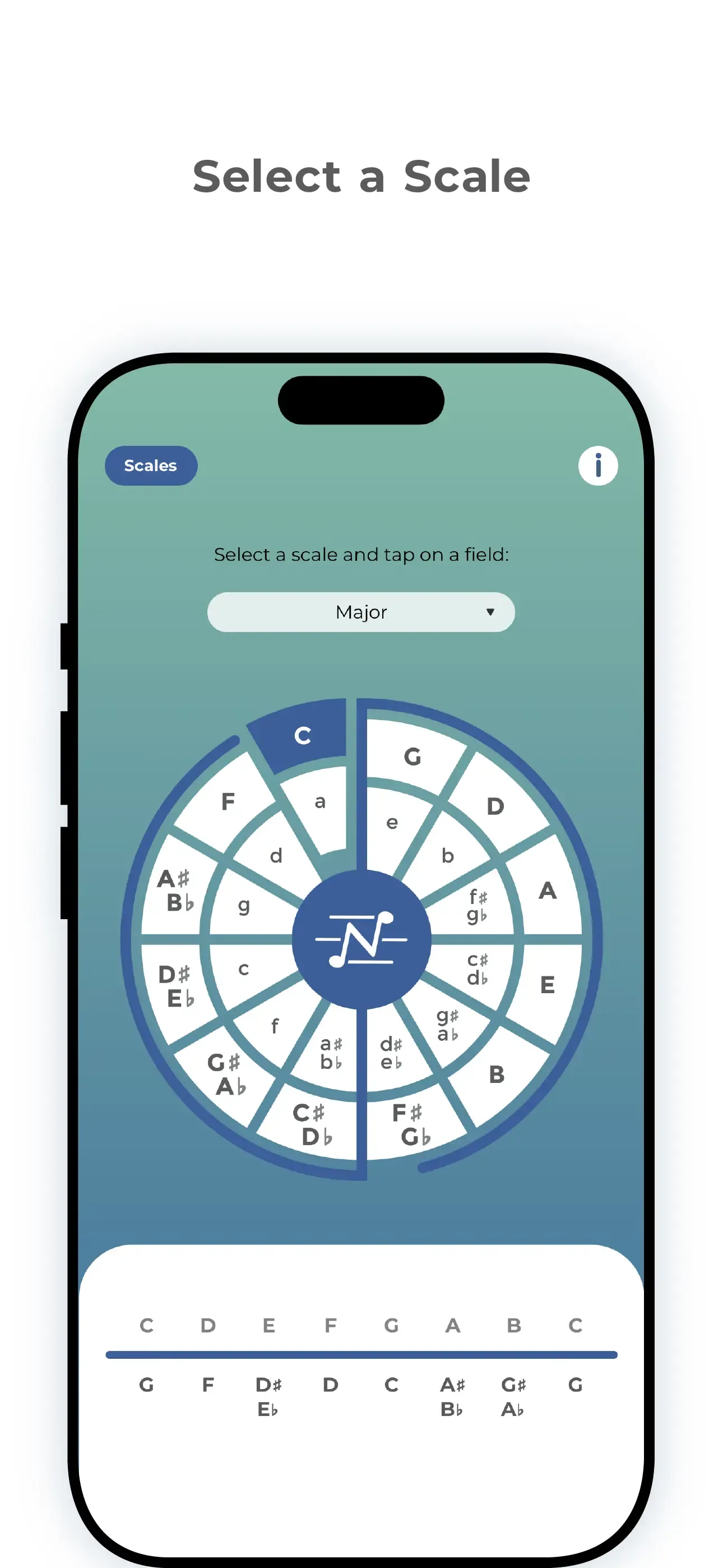
The app shows in a clear and easy way to understand what are the notes inside the chosen scale/mode and their relative negative harmony while also representing this inside the circle of fifths with the blue axis showing the relationship between each note.
The negative harmony app consists of 2 pages (Scales and Chords).
The first page “Scales” gives the option of selecting a scale or mode and then tapping on a key inside the circle of fifths to display the selected combination. In doing so the app will display all of the notes inside the scale/mode and their negative harmony counterparts while also colouring the selected key and displaying the axis (the blue line separating the circle of fifths into two parts) to visually represent the musical theory behind the app and the negative harmony concept.
The second-page “Chords” is made available after selecting the key and scale on the first page. Here the user is able to choose the desired chord type (major, minor, suspended, augmented…) and select the note from the chosen scale/mode which will then display the name of the selected chord, the notes inside the chord as well as the negative harmony chord name with the notes inside the “negative” chord. Chord notes displayed RED are non-diatonic (any notes or chords that are not native to the key).